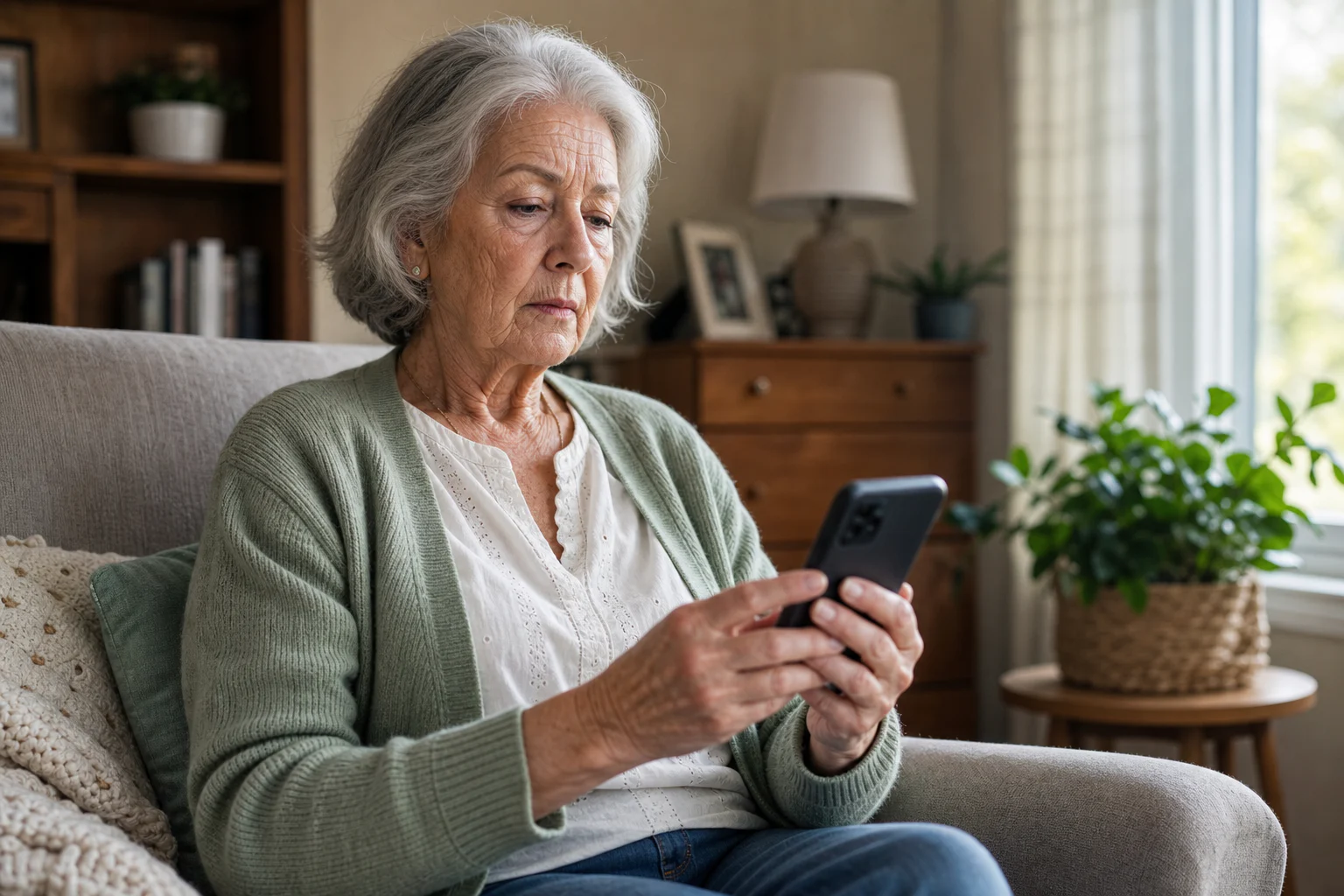
The 30-second scam text check
- Unexpected contact: You did not initiate the conversation or request.
- Pressure: The message demands immediate action or threatens a penalty.
- A link or QR code: It pushes you away from the official app or website.
- Money or secrets: It asks for payment, card details, a password, or a verification code.
- Unusual payment: It wants gift cards, crypto, a wire, or an off-platform transfer.
One warning sign does not prove a message is fake, but it is a reason to stop and verify independently before replying or paying.
How to verify the message safely
- Do not tap the message's link, attachment, phone number, or QR code.
- Open the company's official app yourself or type its known web address.
- Check your account for the alert, bill, delivery, or transaction mentioned.
- If needed, call a phone number from a statement, card, or official website—not the message.
The U.S. Federal Trade Commission gives the same core advice: contact the company using a phone number or website you already know is real, not information supplied in the unexpected message.

What to do if you already clicked
Close the page and do not enter more information. If you shared a password, change it from the official app or website and enable two-factor authentication. If you shared payment details or sent money, contact the bank or payment provider immediately. Report the message as junk and report suspected fraud to the appropriate authority in your country.
Use a screenshot before you act
isReal is an iPhone scam detector designed for the moment when a text, email, social DM, job offer, delivery notice, or marketplace message feels wrong. Choose a screenshot and isReal explains the pressure tactics, suspicious destinations, impersonation clues, and safer next step in plain language.
See how the isReal screenshot checker works